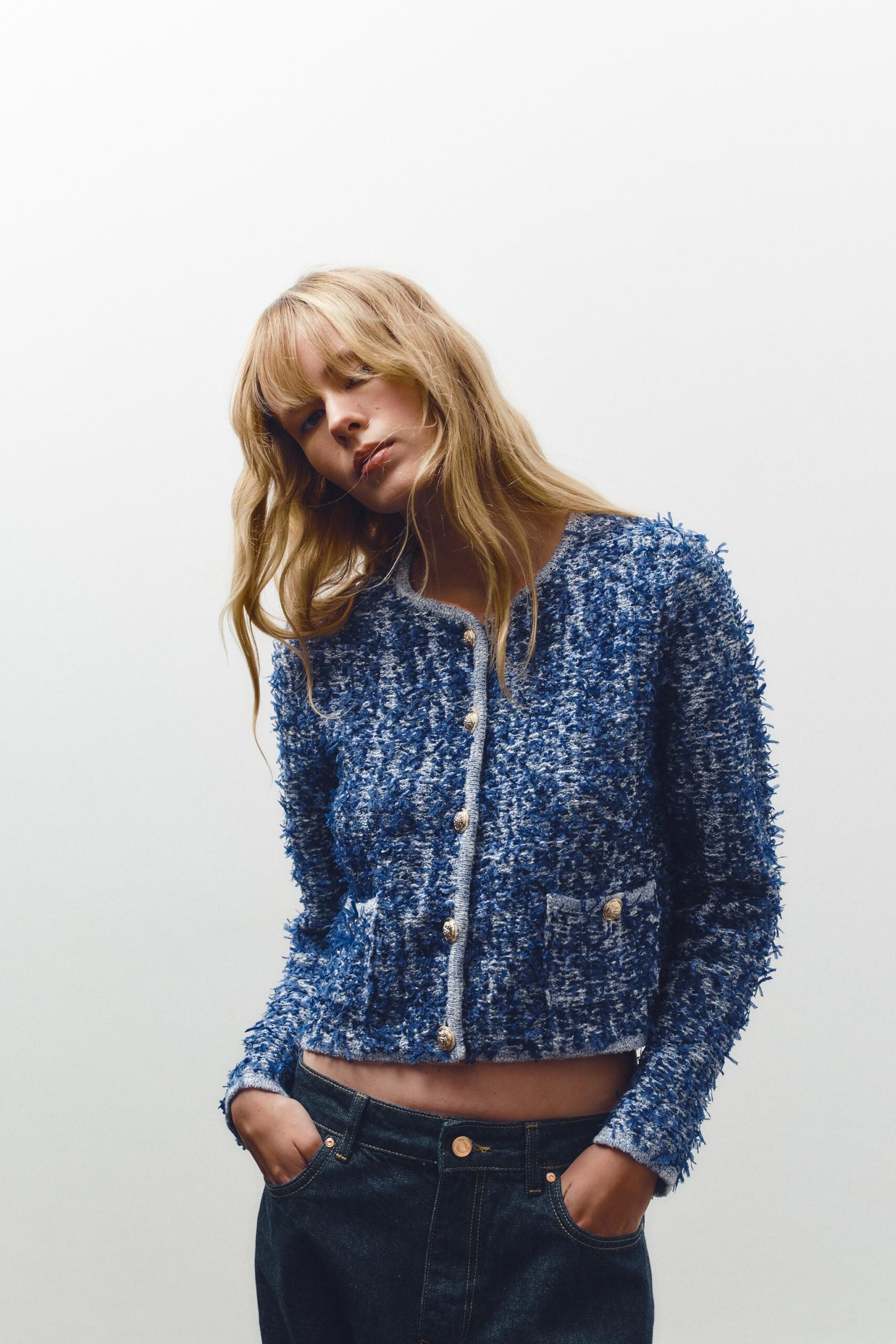
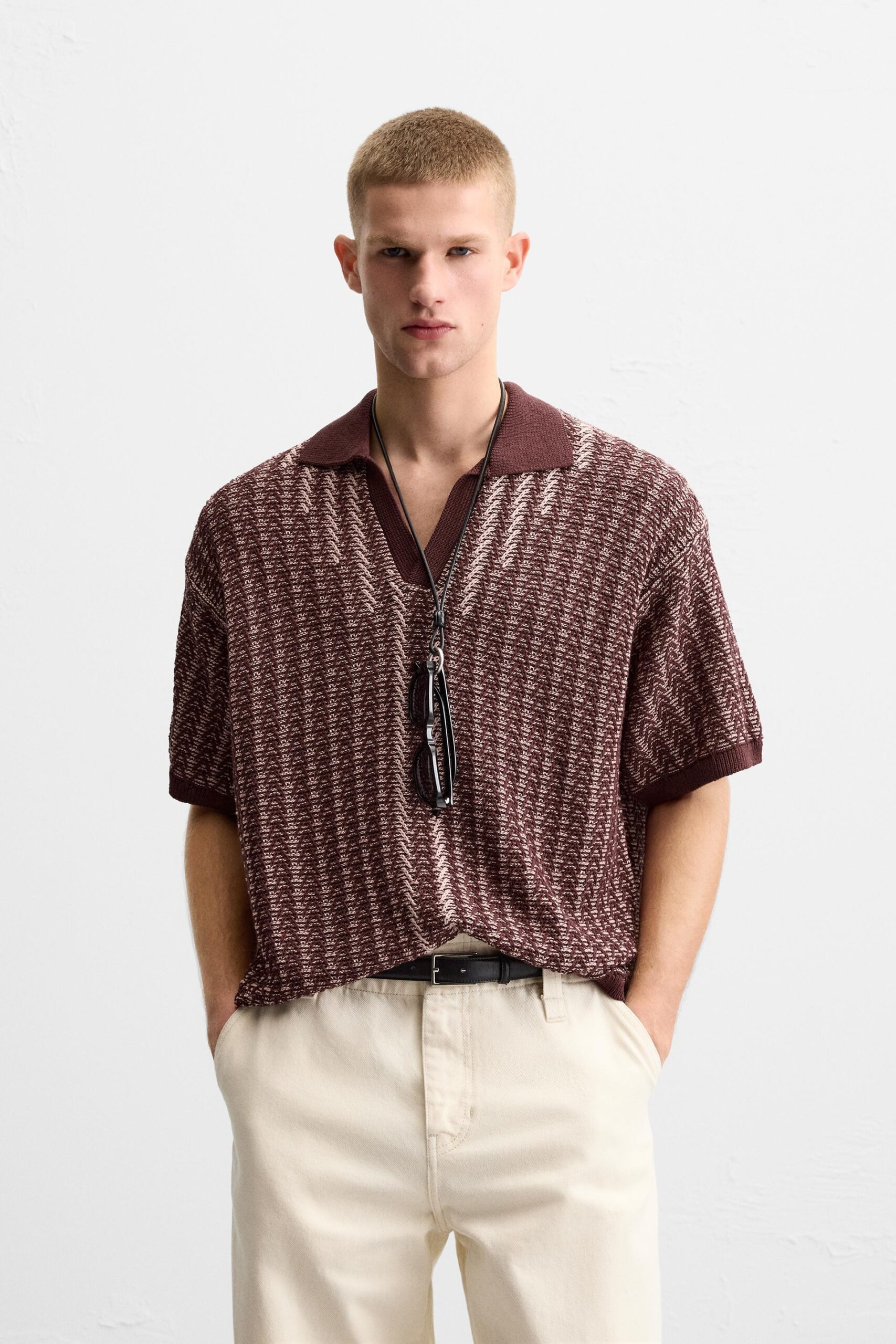
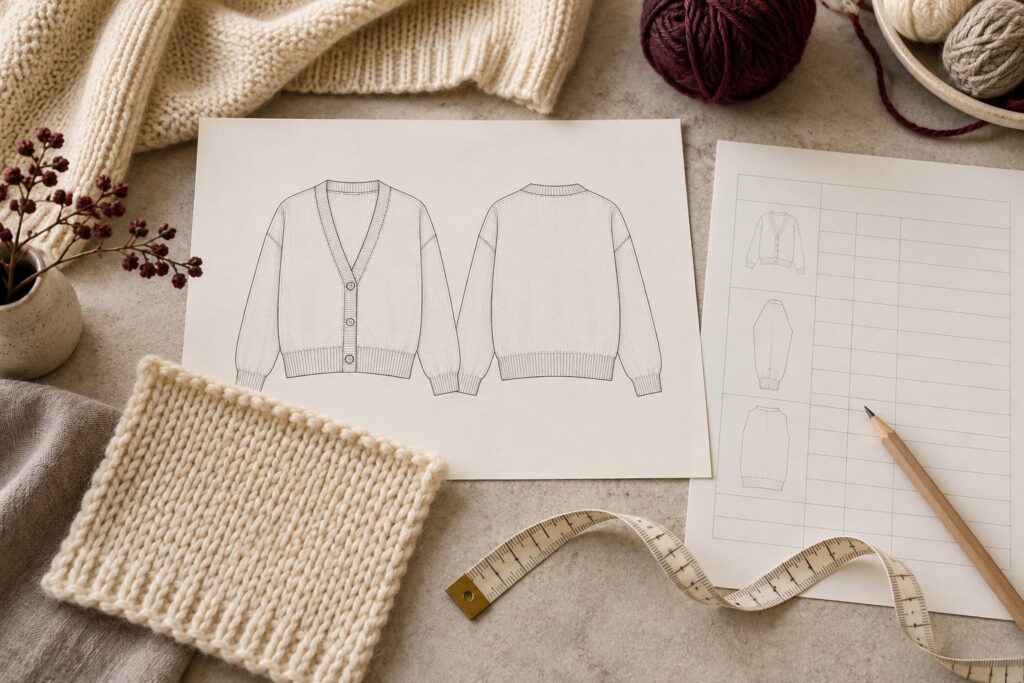
Show the garment clearly
Include front and back views with the main details visible. Add close-ups for a collar, pocket, placket or stitch feature that cannot be understood from the overall silhouette. Label reference photographs so the team knows which detail each image represents.
A reference garment is not necessarily an instruction to copy everything. State what to keep, what to change and what is only an inspiration for discussion.
Define measurements and details
Provide a measurement chart with units, size names and clearly defined points of measure. Identify the first sample size. Include important construction details such as opening direction, rib depth, pocket position and trim placement.
Mark uncertain dimensions as questions. Leaving a cell blank without explanation can be mistaken for either an omission or permission for the maker to decide.
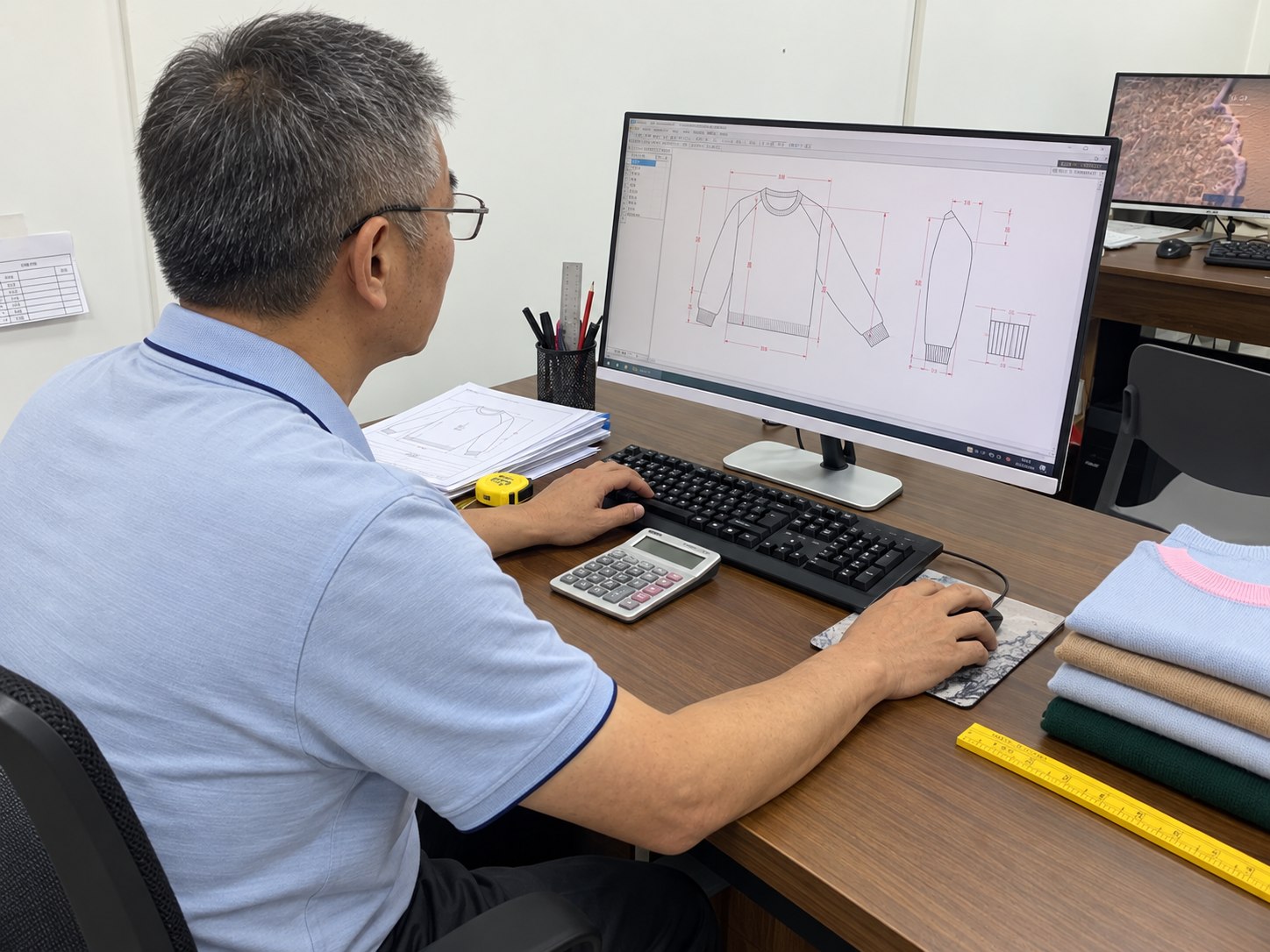
Add materials and commercial inputs
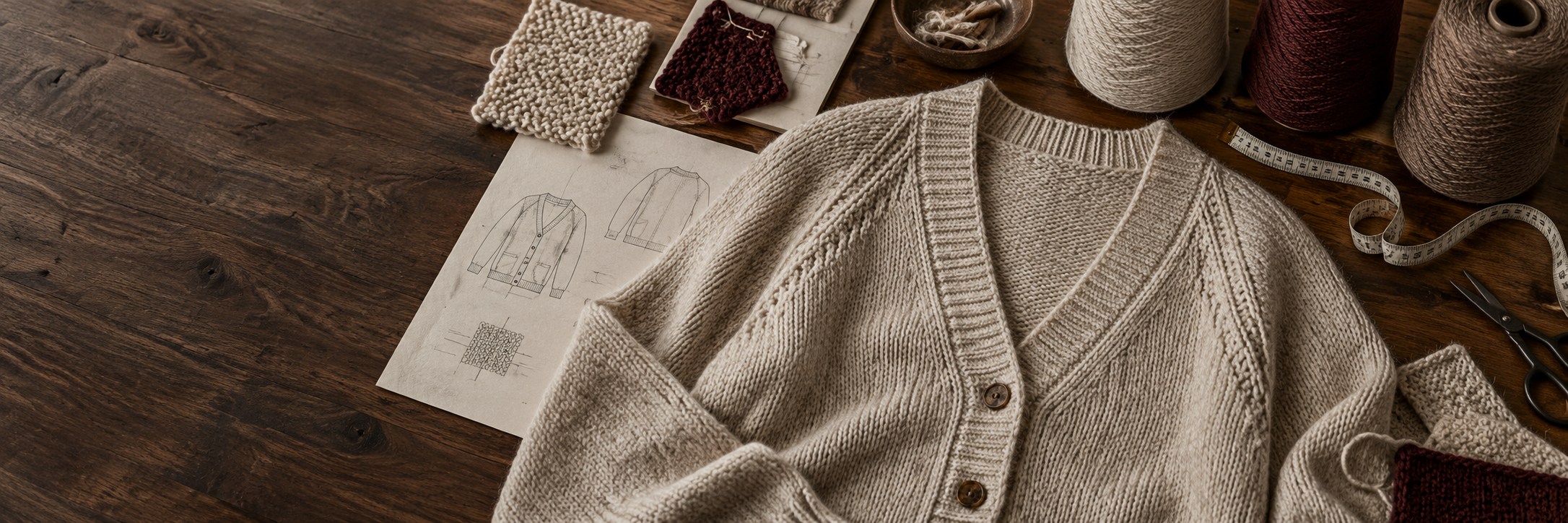
Add the intended material direction, colour references, stitch requirements and relevant physical samples. State the expected style, colour and size quantities, even if the initial range is provisional.
A target price and required date can help frame a feasibility discussion. They should be presented as project inputs, not as confirmation that a particular specification can be delivered within that budget or schedule.
Separate decisions from open questions
Give the brief a date or version number and assign one place for consolidated comments. Keep approved decisions distinct from options still being considered.
Before sampling begins, review the open questions together. A clear decision list makes it easier to understand whether the first sample follows the brief or reflects an agreed development proposal.
Before you send the brief
- Front, back and relevant detail views
- Sample size, measurements, units and measuring points
- Material, colour, quantity and timing inputs
- Version number and a consolidated question list
Copyable knitwear project brief and filled example
Use this as a starting document, not as an approved production specification. Copy the text into your own document and replace every open item. No email or registration is required.
Blank project brief — select and copy
Hypothetical filled example — not a client project
Every number, file name, target price and date below is illustrative. It does not state an agreed tolerance, fixed grading rule, test result or promised lead time.
Check the per-style, per-colour quantity example before adding totals. If your starting point is still a reference garment, use the OEM/ODM route comparison. For feasibility and first-sample review, see Sample Development.
Bring the details. Let’s review the next step.
Share your garment reference and highlight the decisions you want to discuss.
Discuss Your Project ↗WhatsApp ↗Images are illustrative. AI-generated photographs, edited process scenes and explanatory visuals are not verified records of a particular factory, customer order, approved specification or test result. Confirm product details with the development team.