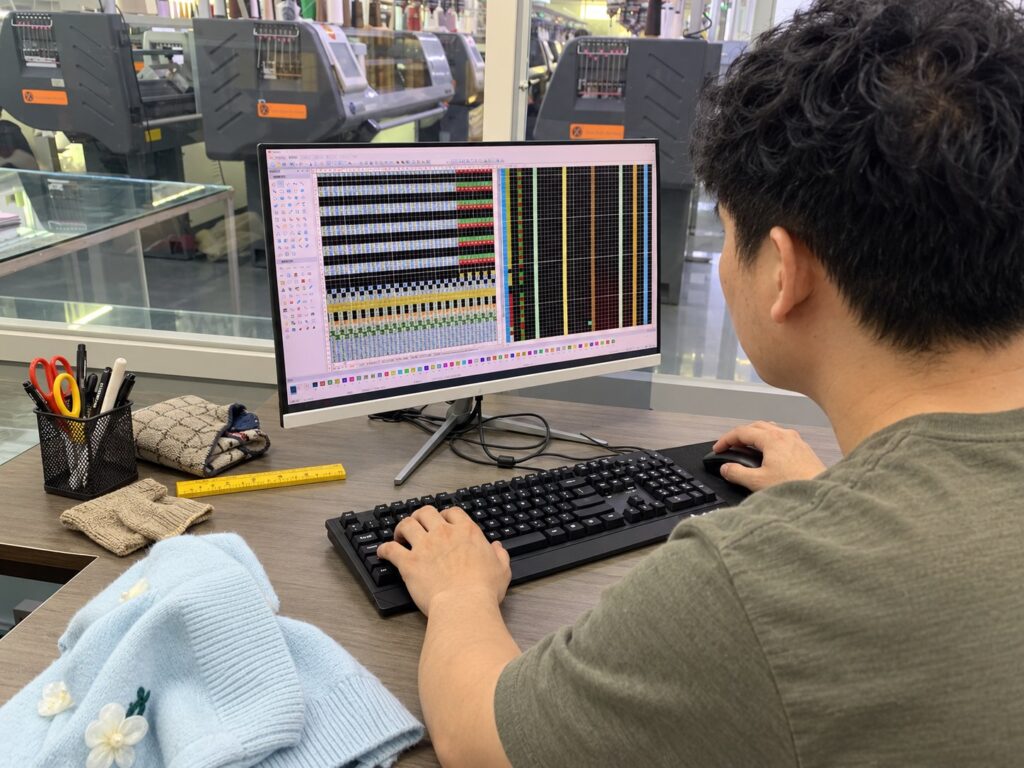
Name one sample version
Start with the style code, sample size, colour and version being reviewed. If the team has several garments or photo sets, make it clear which one is the reference for your comments.
Keep earlier comments accessible, but mark superseded instructions. A new email should not require someone to guess whether an older request still applies.
State the observed and requested result
Describe what you see before requesting a change. For a measurement issue, identify the point of measure and the agreed method. For a visual issue, describe the location and effect rather than relying on a general impression.
An illustrative comment could read: “On sample V2, review the lower front opening shown in photo 3. Please propose a correction that keeps the approved body width.” The requested action is clear without inventing an unverified technical solution.
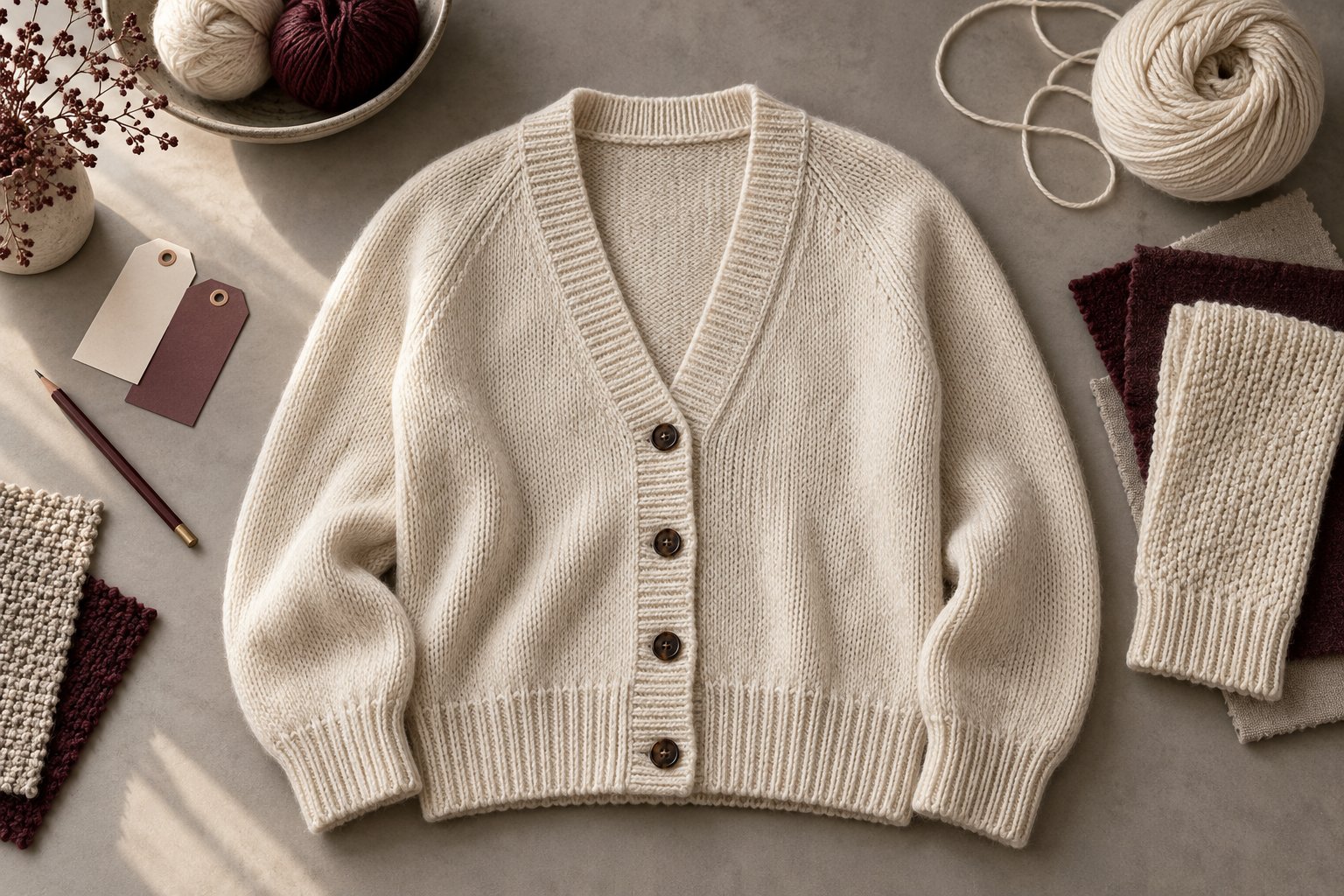
Use photographs purposefully
Use an overall view to show location and a close-up to explain the detail. Mark the affected area and reference the image number in the comment list.
Photographs support communication, but colour, handle and fit may require the physical garment. Note which observations need another in-person review instead of treating every photograph as final evidence.
Consolidate an approval list
Separate approved items, required changes and questions. Make one person responsible for sending the consolidated list when several people review the garment.
At the next review, check the revision against that same list. If a change affects another detail, record the consequence and confirm it rather than assuming the earlier approval still covers the whole garment.
Before you send the brief
- Style and sample version identified
- Observed issue and requested result separated
- Numbered photographs linked to comments
- Approved, revise and discuss items kept distinct
Blank sample feedback record
Copy this record into your review document. Use one line per issue and one consolidated revision version; a blank status is not approval.
Style / sample ID: ______ Version / review date: ______ Reviewer / approver: ______
| Point / photo reference | Observed result | Requested change / target | Method / reference | Owner / next version | Status / decision date |
|---|---|---|---|---|---|
| ______ | ______ | ______ | ______ | ______ | ______ |
| ______ | ______ | ______ | ______ | ______ | ______ |
For measurements, state the unit and measurement method before comparing values. Confirm tolerances with the supplier rather than inserting an arbitrary standard. Record accepted points as well as requested changes.
Carry the agreed changes into the versioned project brief and discuss the next review with Sample Development.
Bring the details. Let’s review the next step.
Share your garment reference and highlight the decisions you want to discuss.
Discuss Your Project ↗WhatsApp ↗Images are illustrative. AI-generated photographs, edited process scenes and explanatory visuals are not verified records of a particular factory, customer order, approved specification or test result. Confirm product details with the development team.